
In some cases, you will need to find out how to check Apache version that is running on your Web server, so that you can debug or troubleshoot any issue. It also helps you to find new features and take advantage that is not available in the older version. There are several ways to find the version of your Apache Web server.
In this tutorial, we will show you how to find the version of your Apache Web server.
Check the Version of Apache on Debian/Ubuntu
In Debian/Ubuntu operating system, you can check the version of Apache using apachectl command:
Method 1: You can use -v option with apachectl to display the version of Apache as shown below:
apachectl -v
You should get the following output:
 Server version: Apache/2.4.29 (Ubuntu)
            Server built:   2019-09-16T12:58:48
Method 2: If you want to show the other details along with Apache version, use -V option apachectl as shown below:
apachectl -V
You should get the following output:
 Server version: Apache/2.4.29 (Ubuntu)
            Server built:   2019-09-16T12:58:48
            Server's Module Magic Number: 20120211:68
            Server loaded:  APR 1.6.3, APR-UTIL 1.6.1
            Compiled using: APR 1.6.3, APR-UTIL 1.6.1
            Architecture:   64-bit
            Server MPM:     prefork
            threaded:     no
                forked:     yes (variable process count)
            Server compiled with....
            -D APR_HAS_SENDFILE
            -D APR_HAS_MMAP
            -D APR_HAVE_IPV6 (IPv4-mapped addresses enabled)
            -D APR_USE_SYSVSEM_SERIALIZE
            -D APR_USE_PTHREAD_SERIALIZE
            -D SINGLE_LISTEN_UNSERIALIZED_ACCEPT
            -D APR_HAS_OTHER_CHILD
            -D AP_HAVE_RELIABLE_PIPED_LOGS
            -D DYNAMIC_MODULE_LIMIT=256
            -D HTTPD_ROOT="/etc/apache2"
            -D SUEXEC_BIN="/usr/lib/apache2/suexec"
            -D DEFAULT_PIDLOG="/var/run/apache2.pid"
            -D DEFAULT_SCOREBOARD="logs/apache_runtime_status"
            -D DEFAULT_ERRORLOG="logs/error_log"
            -D AP_TYPES_CONFIG_FILE="mime.types"
            -D SERVER_CONFIG_FILE="apache2.conf"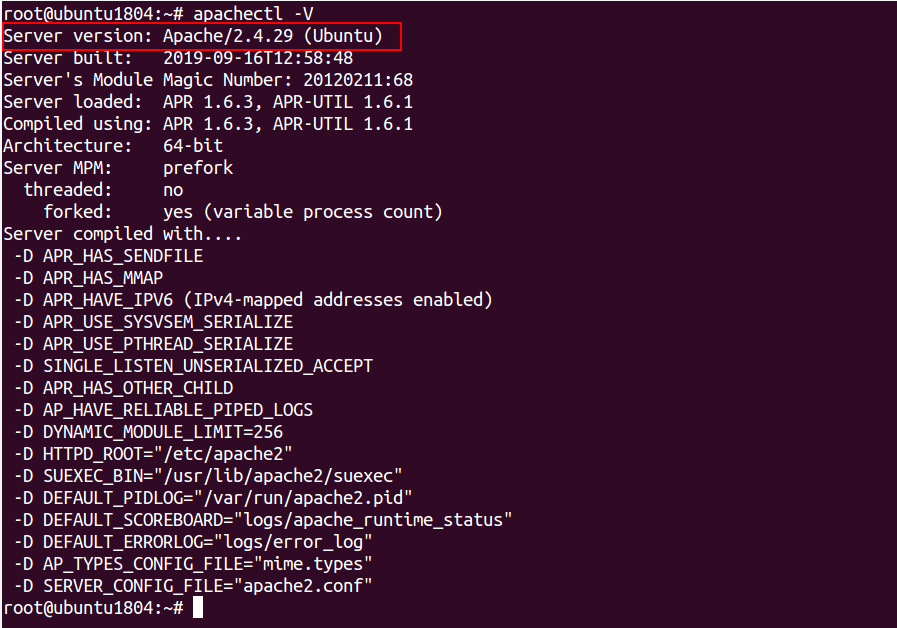
Method 3: You can also find the version of Apache using the dpkg command as shown below:
dpkg -l | grep -i apache2
You should see the following output:
 ii  apache2                         2.4.29-1ubuntu4.11                         amd64        Apache HTTP Server
            ii  apache2-bin                     2.4.29-1ubuntu4.11                         amd64        Apache HTTP Server (modules and other binary files)
            ii  apache2-data                    2.4.29-1ubuntu4.11                         all          Apache HTTP Server (common files)
            ii  apache2-utils                   2.4.29-1ubuntu4.11                         amd64        Apache HTTP Server (utility programs for web servers)
ii libapache2-mod-php7.2 7.2.24-0ubuntu0.18.04.3 amd64 server-side, HTML-embedded scripting 
Method 4: You can also find the version of Apache with dpkg-query command as shown below:
dpkg-query --show apache2
You should see the following output:
apache2 2.4.29-1ubuntu4.11
Check the Version of Apache on CentOS/RHEL/Fedora
In CentOS/RHEL/Fedora operating system, you can check the version of Apache using httpd command.
Method 1: You can use -v option with httpd to display the version of Apache as shown below:
httpd -v
You should get the following output:
 Server version: Apache/2.4.37 (centos)
Server built: Dec 23 2019 20:45:34 
Method 2: If you want to show the other details along with Apache version, use -V option httpd as shown below:
httpd -V
You should get the following output:
 Server version: Apache/2.4.37 (centos)
            Server built:   Dec 23 2019 20:45:34
            Server's Module Magic Number: 20120211:83
            Server loaded:  APR 1.6.3, APR-UTIL 1.6.1
            Compiled using: APR 1.6.3, APR-UTIL 1.6.1
            Architecture:   64-bit
            Server MPM:     event
            threaded:     yes (fixed thread count)
                forked:     yes (variable process count)
            Server compiled with....
            -D APR_HAS_SENDFILE
            -D APR_HAS_MMAP
            -D APR_HAVE_IPV6 (IPv4-mapped addresses enabled)
            -D APR_USE_SYSVSEM_SERIALIZE
            -D APR_USE_PTHREAD_SERIALIZE
            -D SINGLE_LISTEN_UNSERIALIZED_ACCEPT
            -D APR_HAS_OTHER_CHILD
            -D AP_HAVE_RELIABLE_PIPED_LOGS
            -D DYNAMIC_MODULE_LIMIT=256
            -D HTTPD_ROOT="/etc/httpd"
            -D SUEXEC_BIN="/usr/sbin/suexec"
            -D DEFAULT_PIDLOG="run/httpd.pid"
            -D DEFAULT_SCOREBOARD="logs/apache_runtime_status"
            -D DEFAULT_ERRORLOG="logs/error_log"
            -D AP_TYPES_CONFIG_FILE="conf/mime.types"
            -D SERVER_CONFIG_FILE="conf/httpd.conf"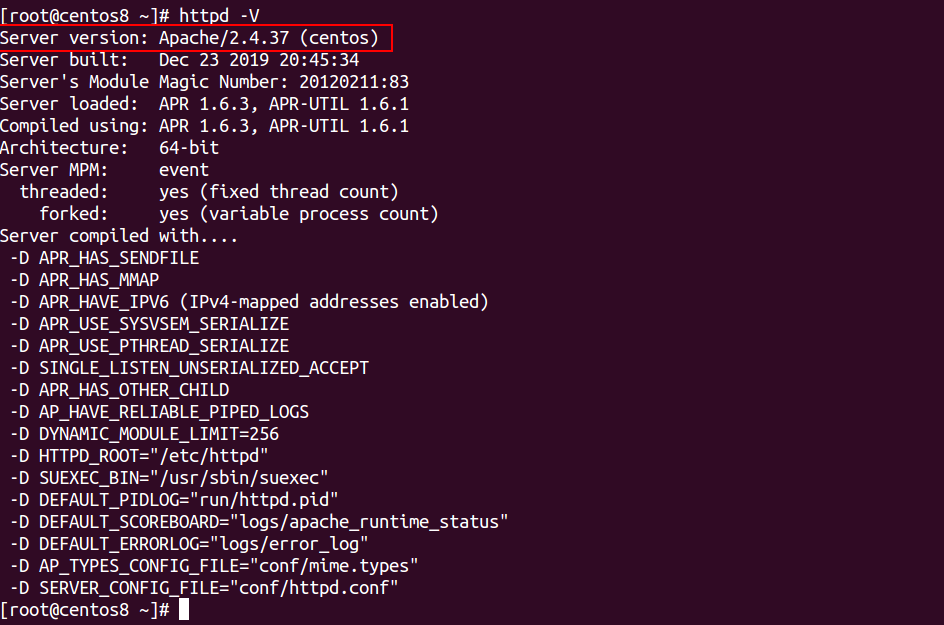
Method 1: You can also use rpm command with the option -qi to find the version of Apache as shown below:
rpm -qi httpd
You should get the following output, if Apache was installed using an RPM package:
 Name        : httpd
            Version     : 2.4.37
            Release     : 16.module_el8.1.0+256+ae790463
            Architecture: x86_64
            Install Date: Saturday 29 February 2020 04:29:51 AM EST
            Group       : System Environment/Daemons
            Size        : 5611291
            License     : ASL 2.0
            Signature   : RSA/SHA256, Monday 23 December 2019 05:22:02 PM EST, Key ID 05b555b38483c65d
            Source RPM  : httpd-2.4.37-16.module_el8.1.0+256+ae790463.src.rpm
            Build Date  : Monday 23 December 2019 03:46:30 PM EST
            Build Host  : x86-02.mbox.centos.org
            Relocations : (not relocatable)
            Packager    : CentOS Buildsys <bugs@centos.org>
            Vendor      : CentOS
            URL         : https://httpd.apache.org/
            Summary     : Apache HTTP Server
            Description :
            The Apache HTTP Server is a powerful, efficient, and extensible
web server. 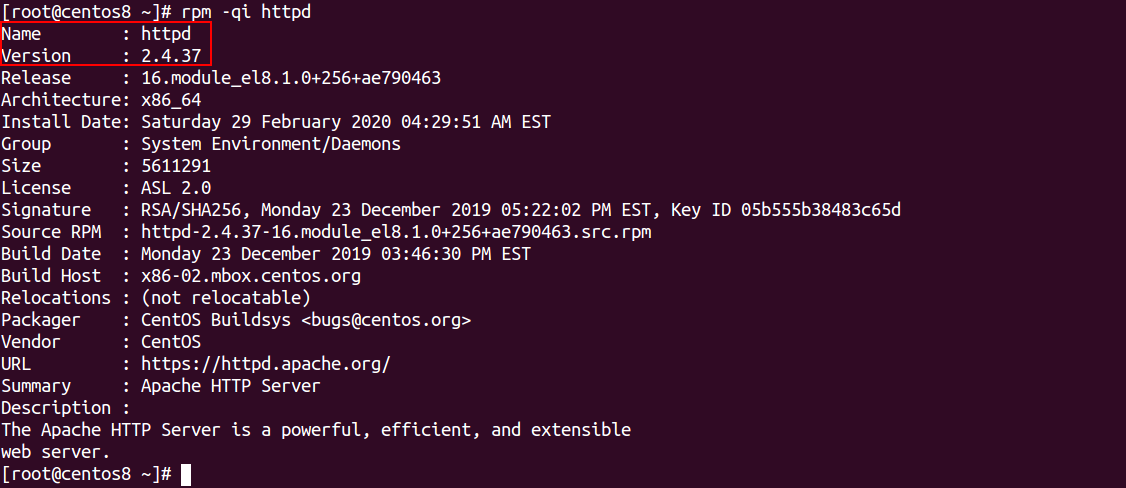
Conclusion
In the above tutorial, we learned how to check the version Apache on Debian, Ubuntu, CentOS, RHEL and Fedora operating systems. I hope this will helps you to find out the version of your Apache Web server.